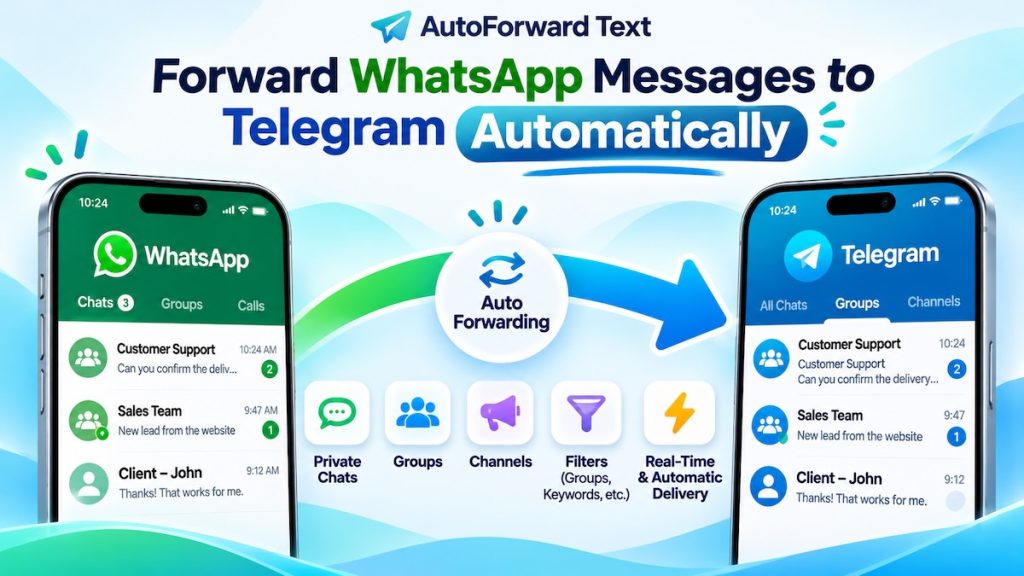
WhatsApp to Telegram Auto Forwarding

How to Automatically Forward WhatsApp Messages to Telegram (Chats, Groups & Channels)

Want WhatsApp messages to appear automatically in a Telegram chat, group, or channel? AutoForward Text connects your existing WhatsApp and Telegram accounts and forwards new incoming messages without copying and pasting them by hand. Quick answer: Connect your WhatsApp account and Telegram account to AutoForward Text, open WhatsApp forwarding settings, enable Telegram forwarding, choose the […]
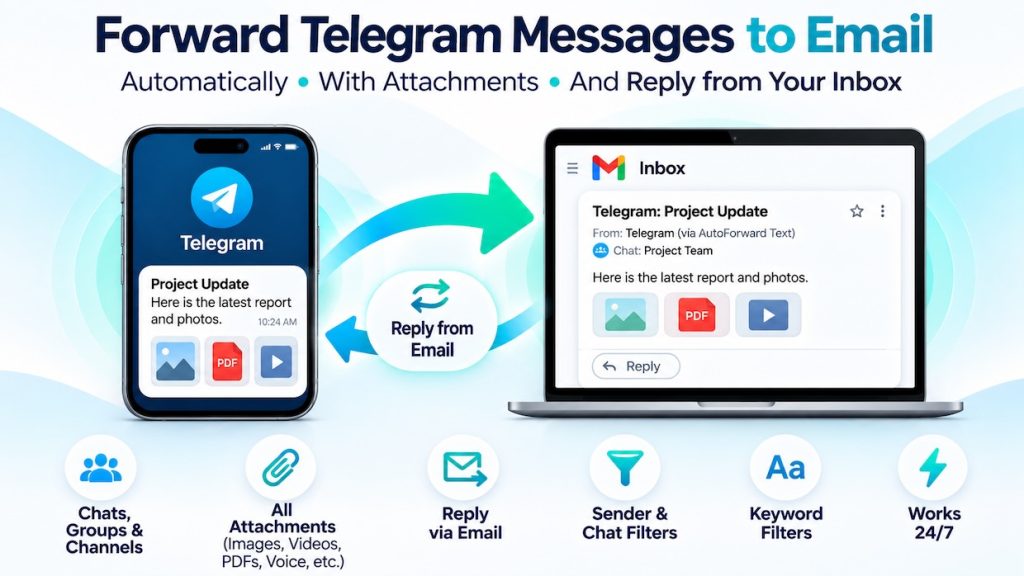
How to Forward Telegram Messages to Email Automatically

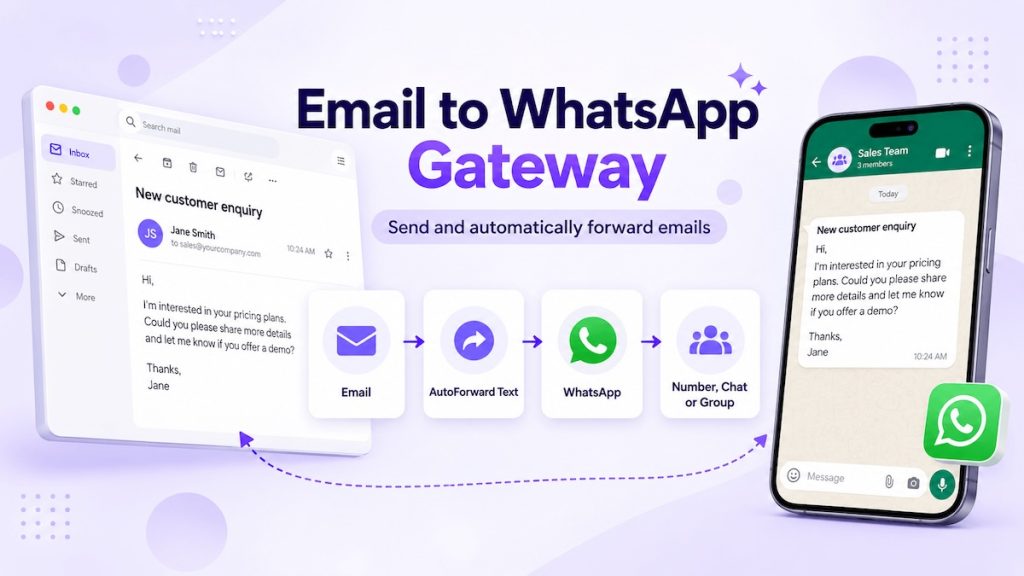
Want Telegram messages to arrive in your email inbox automatically? AutoForward Text can send incoming Telegram private-chat messages, group discussions, and channel posts to your email address, including supported images, videos, PDFs, voice messages, and multiple attachments. The forwarded email identifies the original Telegram sender and chat. Quick answer: Sign in to AutoForward Text, connect

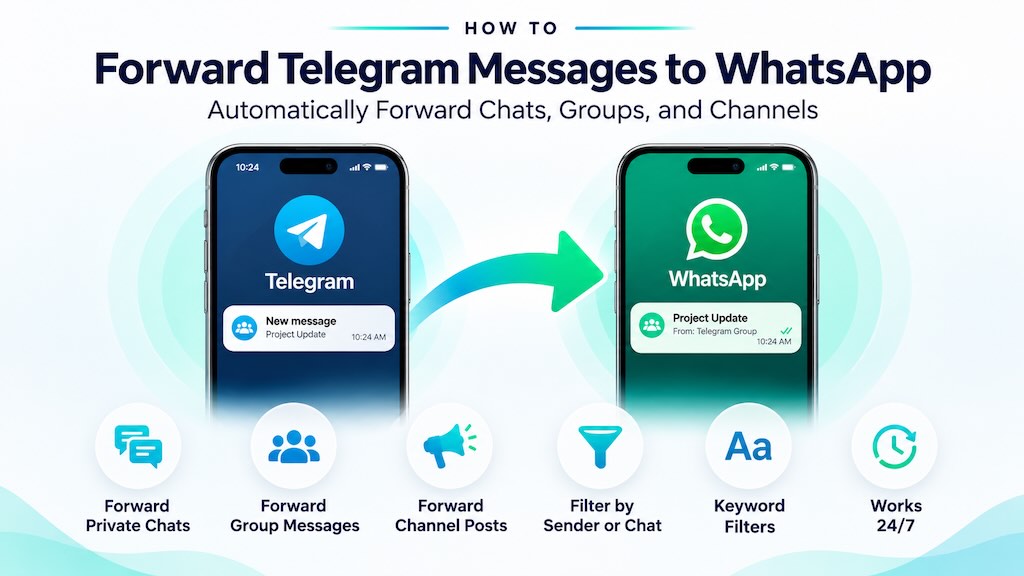
How to Forward Telegram Messages to WhatsApp Automatically (Groups & Channels)

You can share a Telegram message to WhatsApp manually, or use AutoForward Text to automatically forward new Telegram messages to a WhatsApp contact or group. The automatic method supports incoming private-chat messages, group messages and channel posts, with sender, chat and keyword filters. Quick answer: For one message, copy or share it from Telegram into

forward phone calls to another cell phone

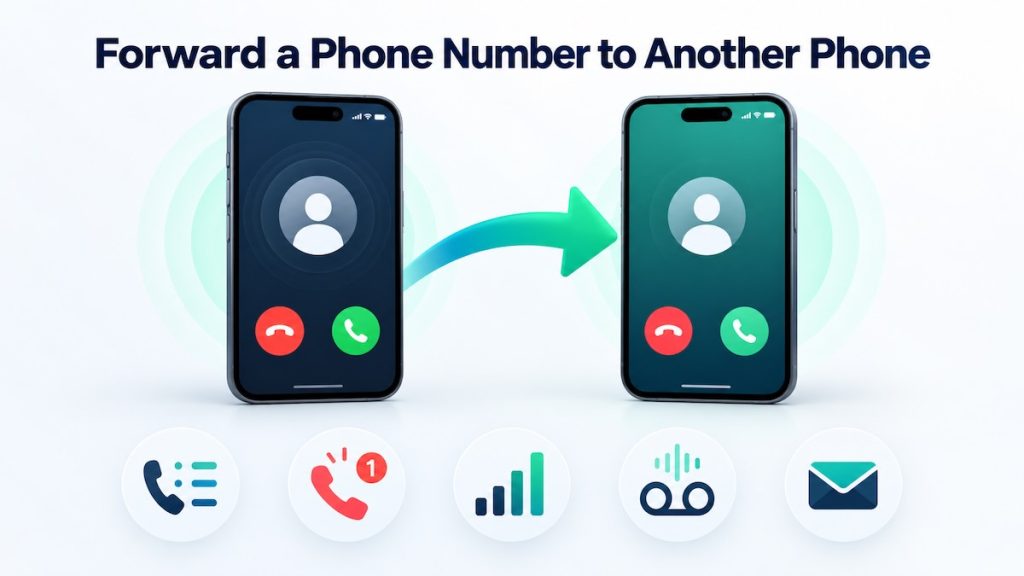
How to Forward a Phone Number to Another Phone [Easy Guide]

You can forward calls from one phone number to another using your phone settings, a carrier code, or your carrier account. But forwarding the calls does not usually forward text messages, call history, missed-call alerts, or voicemail. Those require separate settings or a service designed to handle them. Quick answer: Open your phone’s call settings,

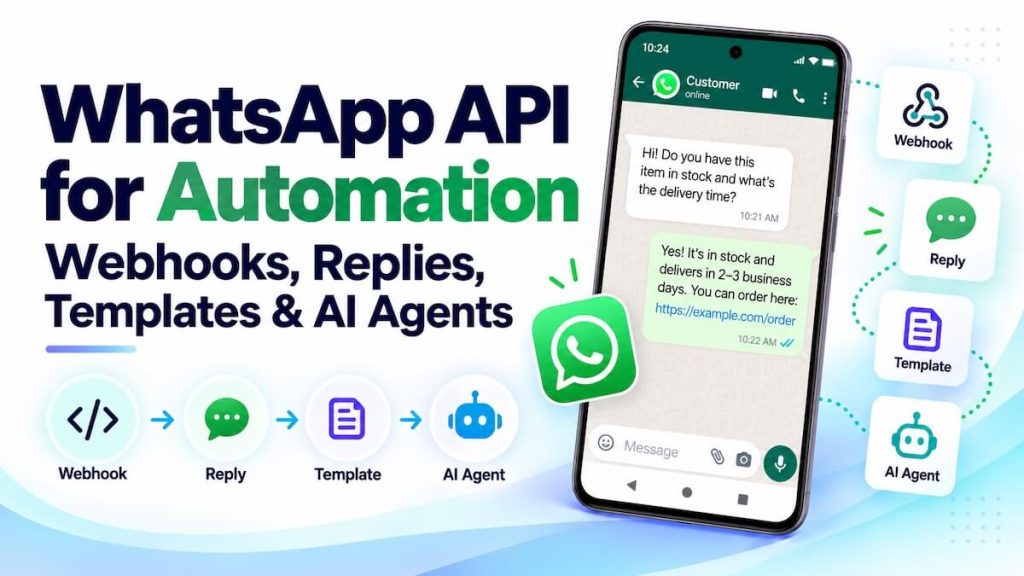
WhatsApp API for Automation: Webhooks, Replies, Templates and AI Agents

WhatsApp becomes much more useful for business automation when incoming messages can trigger webhooks, workflows can reply programmatically, approved templates can start conversations where required, and AI agents can work inside the same message loop. With AutoForward Text, WhatsApp can sit between the customer and the automation tools your business already uses — including n8n,

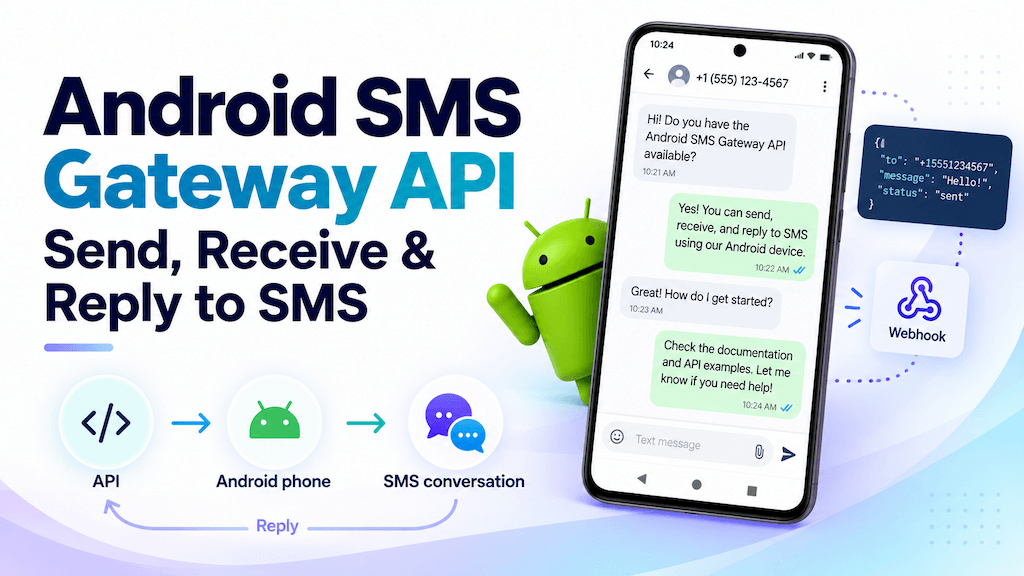
Android SMS Gateway API: Send, Receive and Reply to SMS

An Android phone can do more than send and receive text messages manually. With the right gateway and API layer, it can become a programmable SMS endpoint for your apps, automations, CRMs, n8n workflows, Make.com scenarios, and AI agents. With AutoForward Text, you can use an Android phone and its existing SIM as an SMS

SMS chatbot

SMS Chatbot: Build an AI SMS Agent with Your Existing Phone Number

An SMS chatbot can answer customer questions, qualify leads, handle after-hours enquiries, confirm appointments, and route conversations to your team. And you do not necessarily need to buy a new SMS number to build one. With AutoForward Text, you can connect the SMS channel your business already uses to automation and AI. That can be

How to Send and Receive SMS with Make.com Using Your Android Phone

You can build an AI agent in Make.com that receives customer text messages, understands what the sender is asking, and automatically sends an SMS reply — while continuing to use the Android phone number and SIM you already have. In this setup, the Android phone remains the SMS channel. AutoForward Text connects the phone to

Scroll to Top